Step 1: Install the Skill and Lakehouse connection
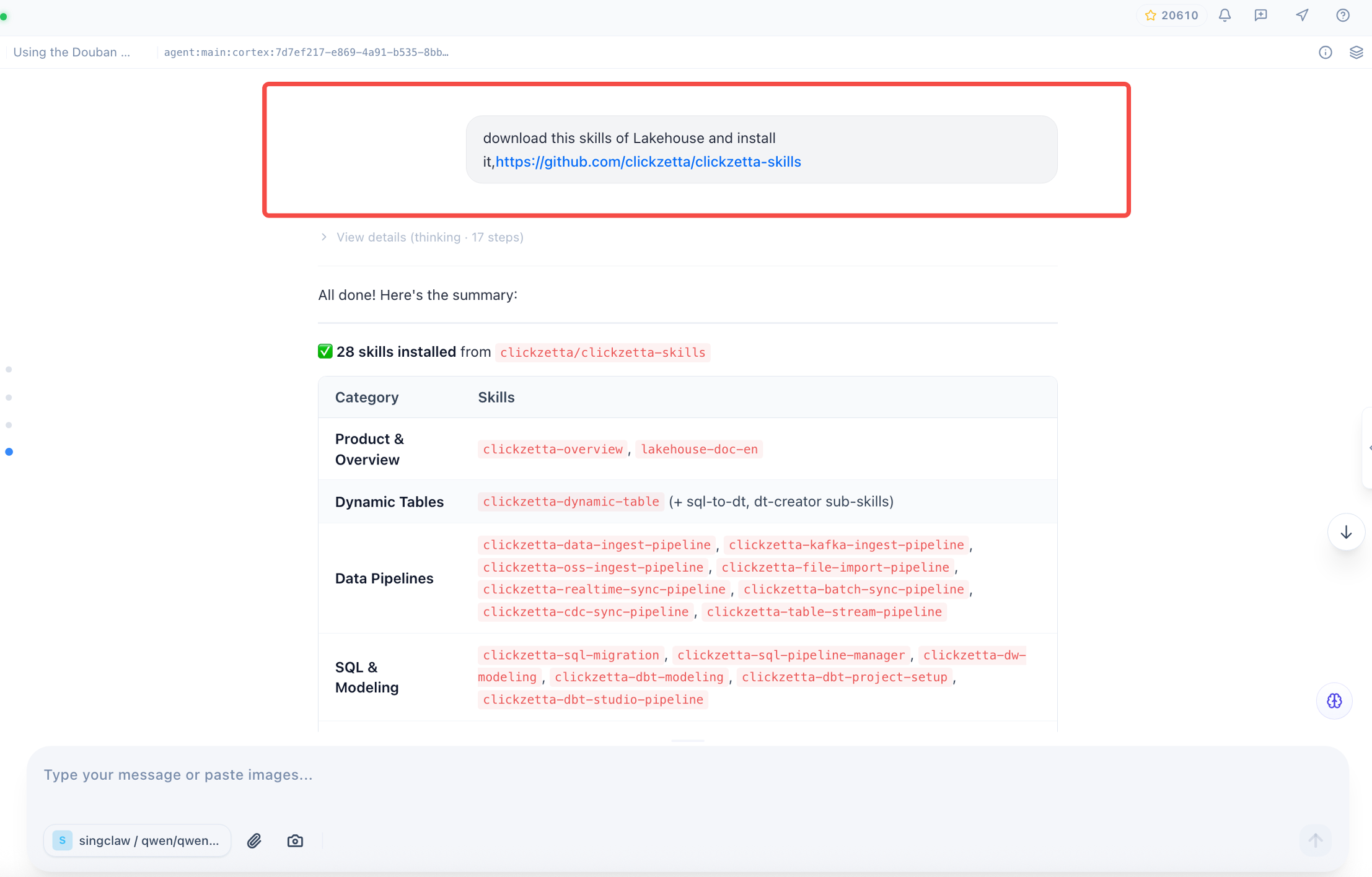
After entering the link in the dialog box, let SingWork execute the download.
download this skills of Lakehouse and install it,<https://github.com/clickzetta/clickzetta-skills>
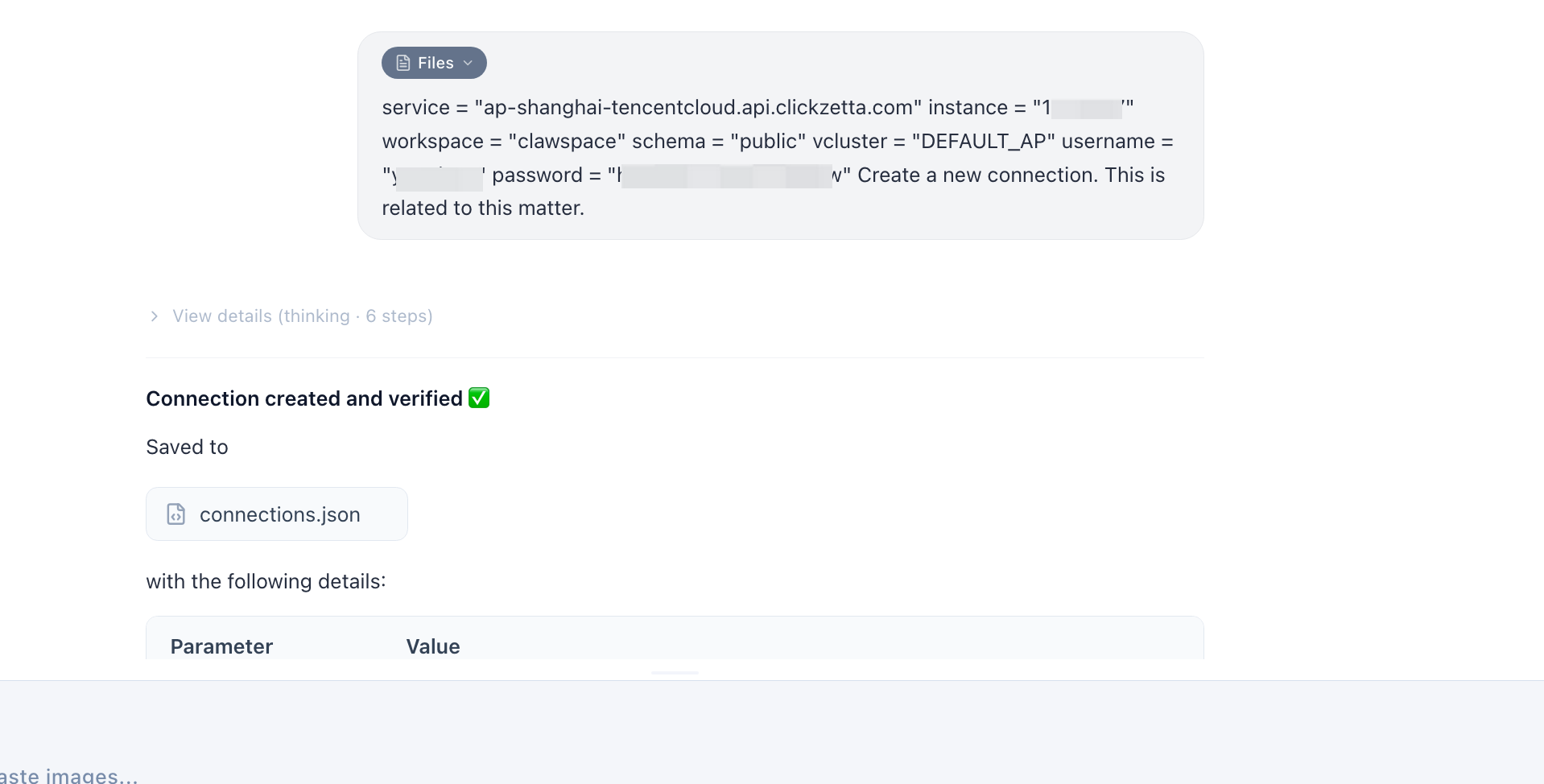
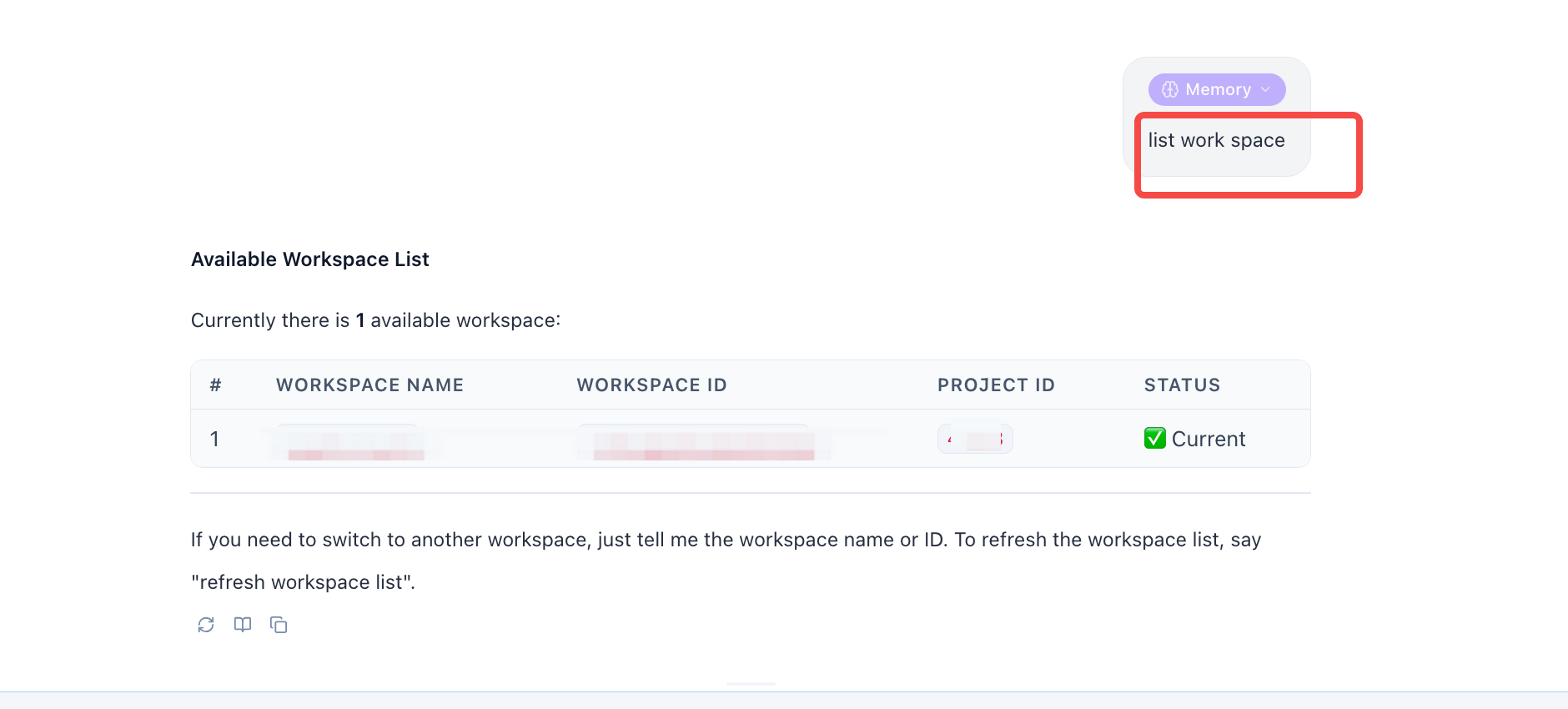
Enter the following parameters and connect to Lakehouse
service = "Your API service address eg:ap-southeast-1-alicloud.api.singdata.com"
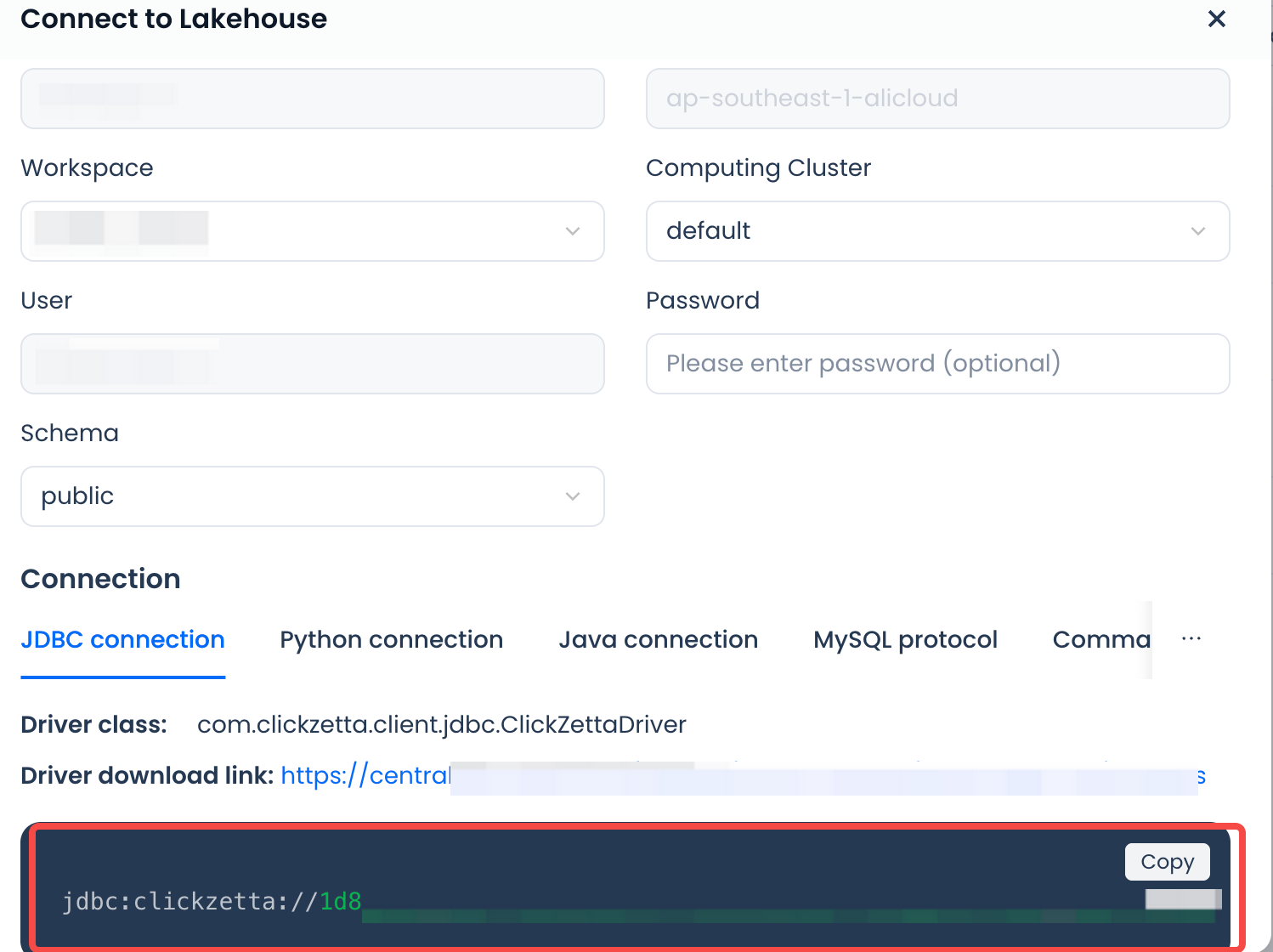
instance = "instance_id eg:1d8401a4"
workspace = "your workspace"
schema = "your schema"
vcluster = "Your cluster"
username = "your username"
password = "your password"
Create a new connection. This is related to this matter.
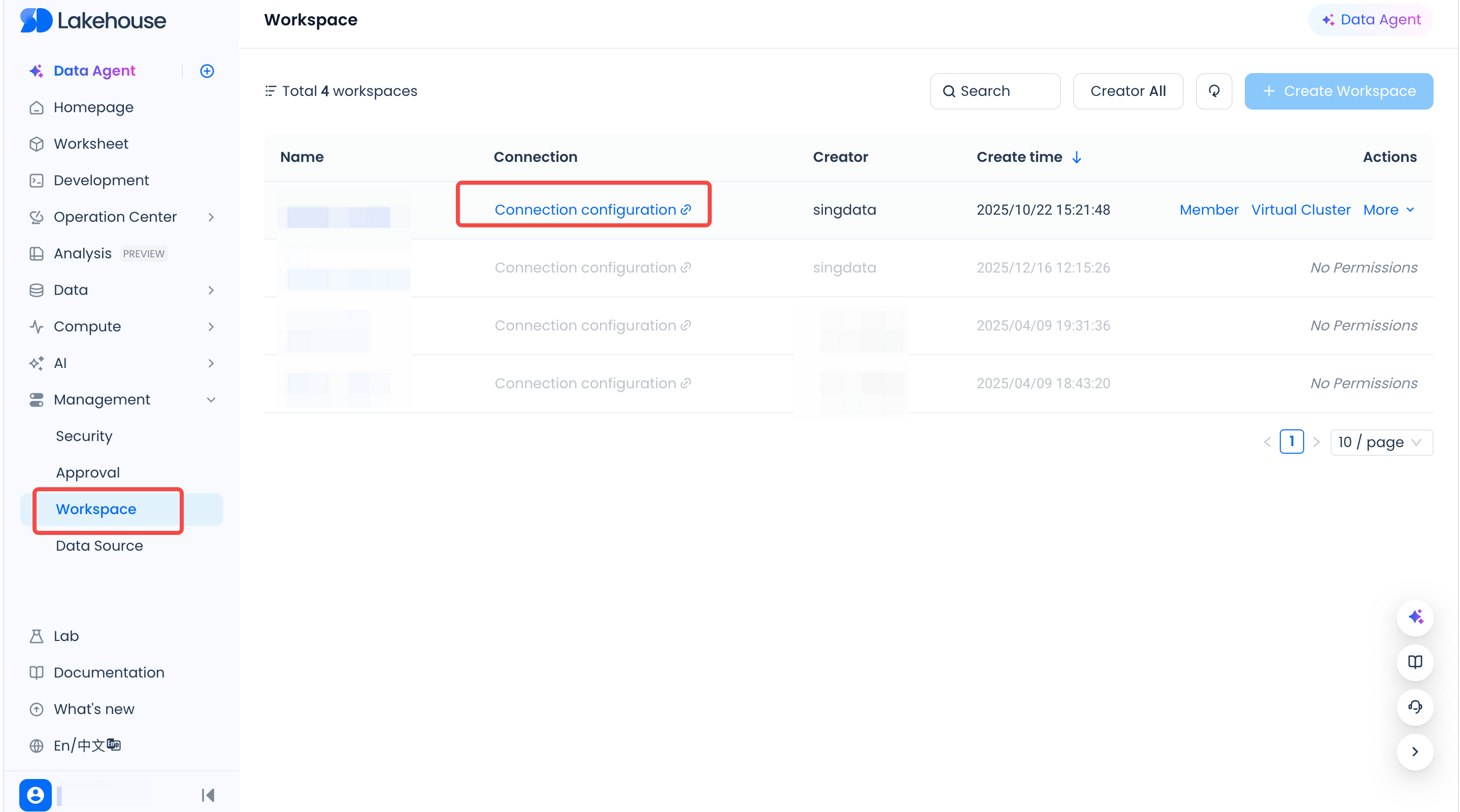
All the above information can be obtained from the JBDC